Mint an NFT
How to Mint a Meta Mafioso NFT
For the best experience, ensure your wallet holds at least 1.1 ETH before minting . This small buffer helps cover any fluctuations in gas fees.
The Meta Mafioso NFT lives on good old-fashioned Ethereum Layer 1, fully compatible with all major Web3 wallets. For the most reliable results, we recommend minting via the MetaMask browser extension on a desktop computer.
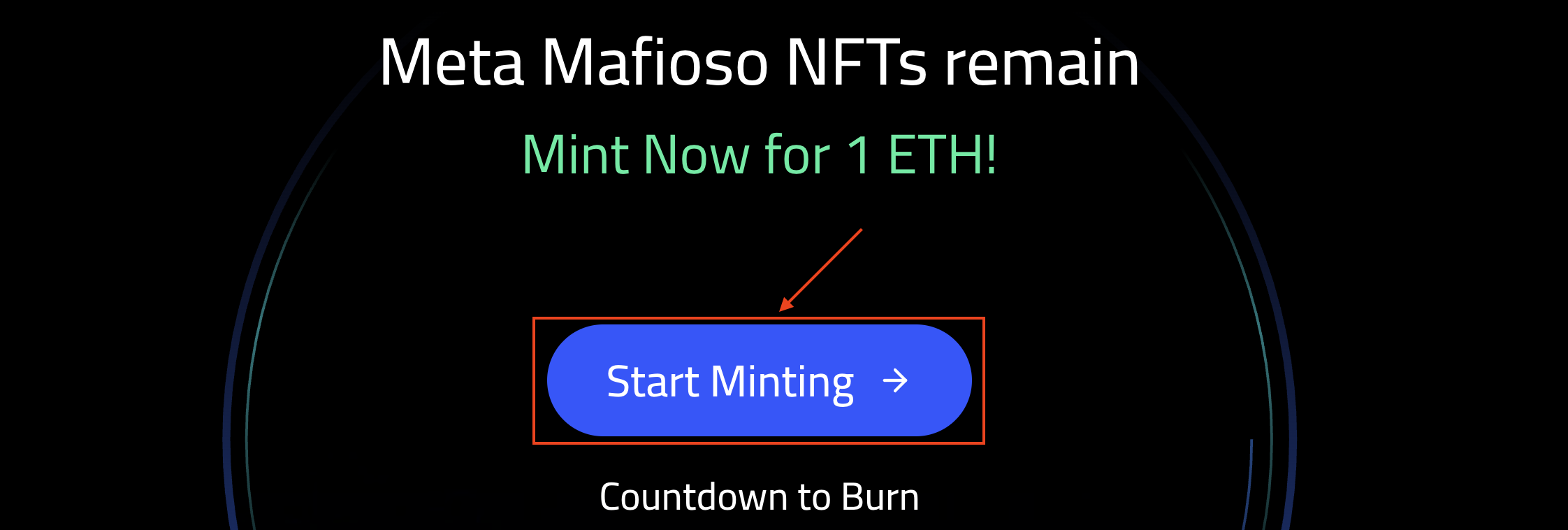
Click Start Minting to begin the process.
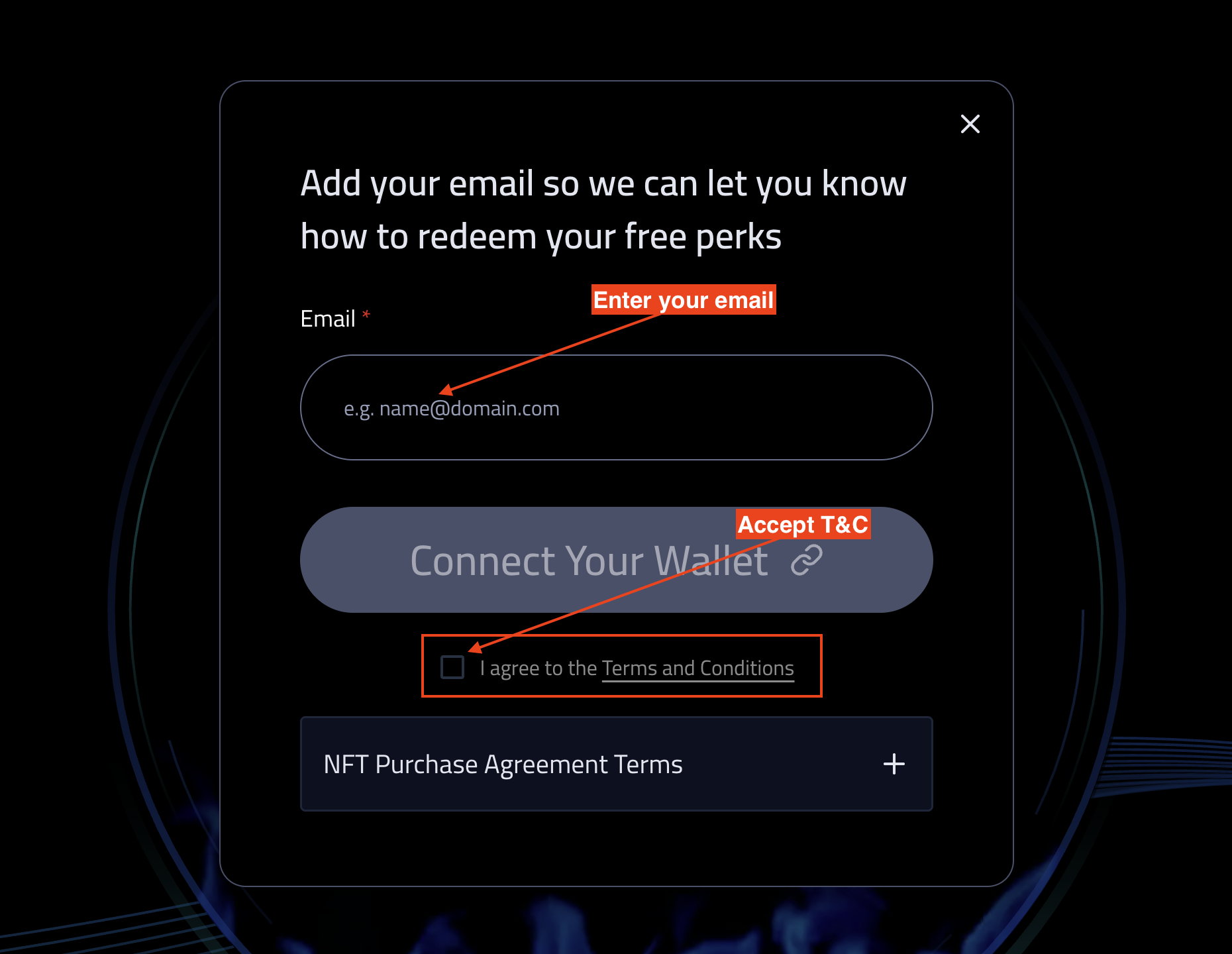
Enter your email address and check the box to accept the Terms & Conditions before connecting your wallet.
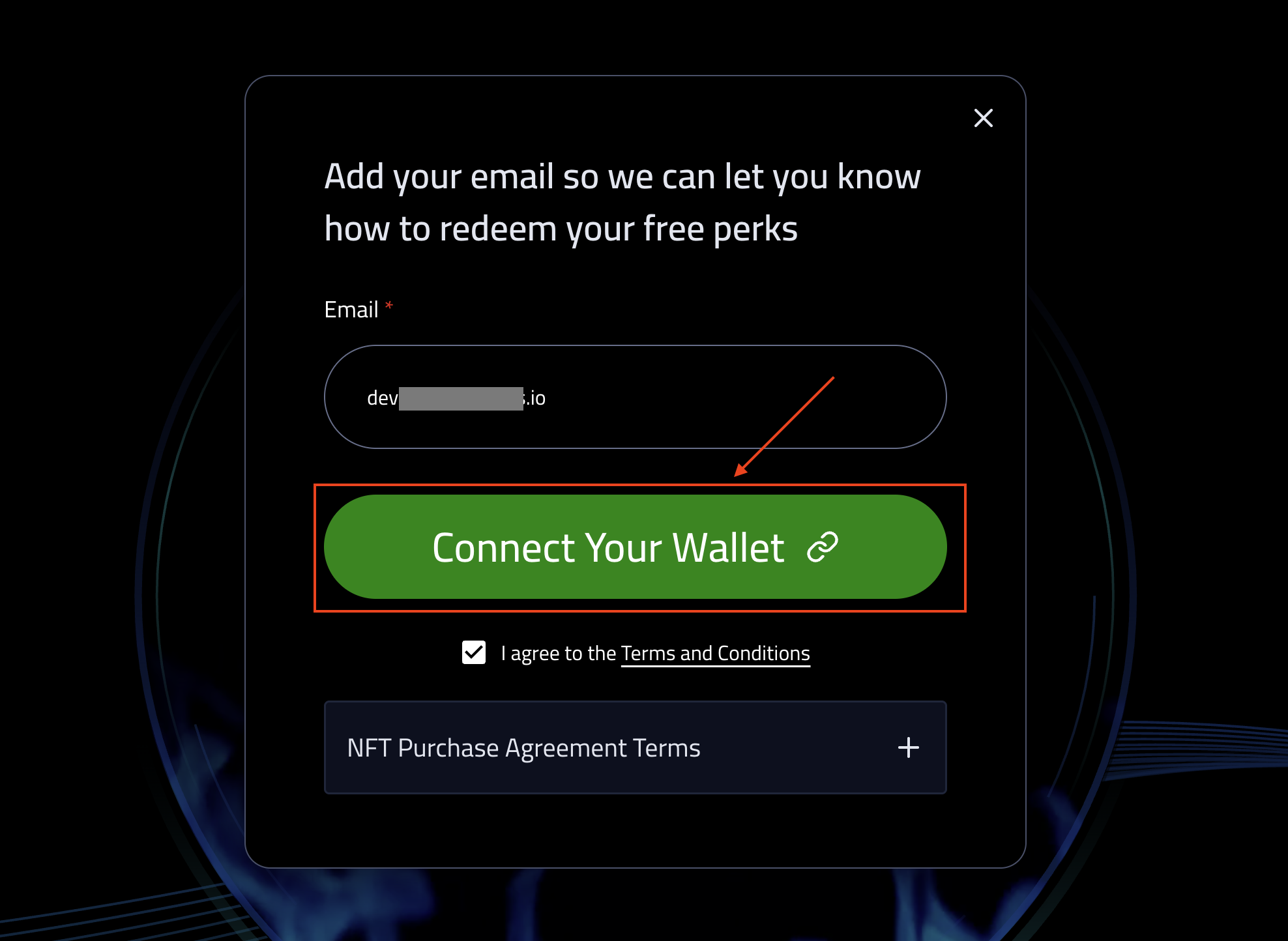
Click Connect Your Wallet.
Choose your wallet. Currently MetaMask and WalletConnect are supported.
WalletConnect is integrated with the majority of major Web3 wallets.
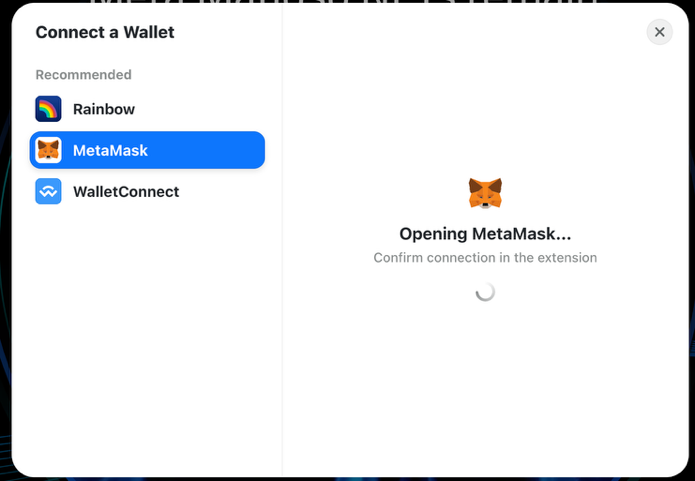
Follow the instructions that appear on the screen. You will be prompted to either scan a QR code (if minting via a mobile wallet) or authenticate via the MetaMask extension in your browser.
Approve the transaction in your Web3 wallet (look for a notification icon).
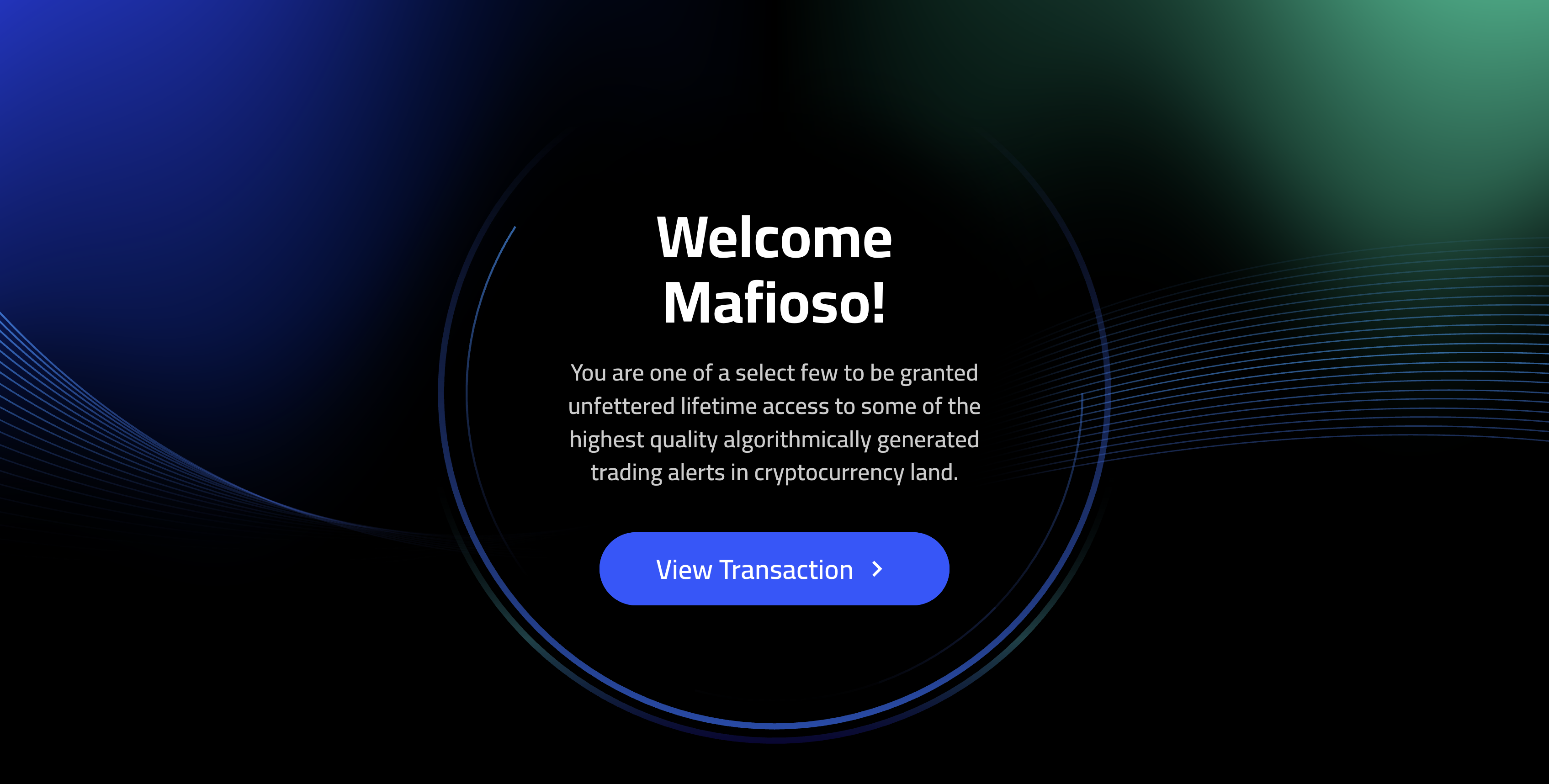
On the “Welcome Mafioso!” page, click the View Transaction button to see your purchase on the blockchain.
GETTING STARTED
-
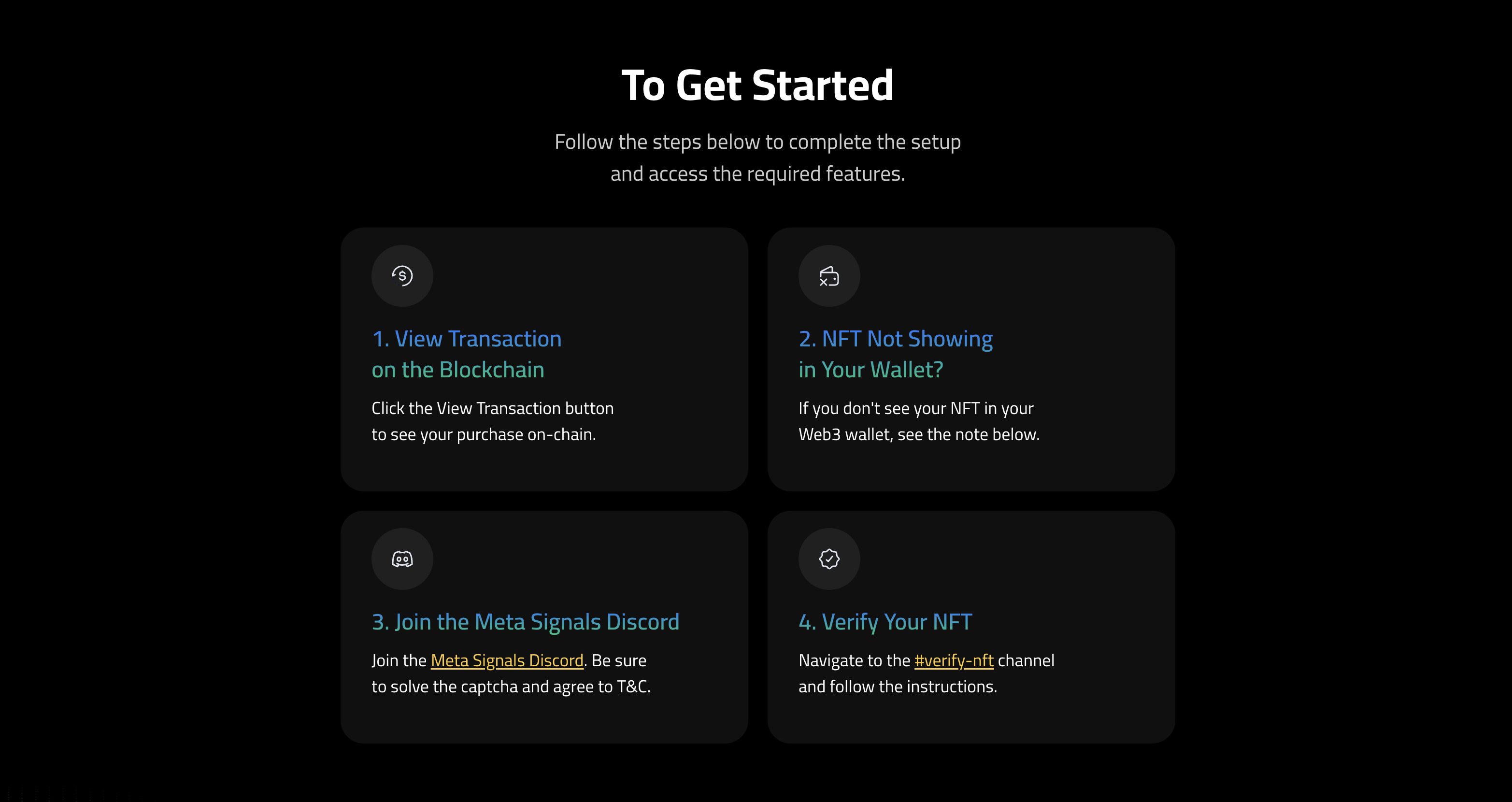
Click the View Transaction button to see your purchase on-chain.
-
If you don't see your NFT in your Web3 wallet, see the note below.
-
Join the Meta Signals Discord. Solve the Captcha and agree to the Discord Terms & Conditions.
-
Navigate to the #verify-nft channel and follow the instructions.
IF YOU'RE NOT SEEING THE NFT IN YOUR WALLET
-
Turn on NFT auto-detect. Here's how that's done in MetaMask.
-
If it still doesn't display, choose "Import NFT", and enter the contract address and the Token ID (the NFT number).
-
Please note that not all Web3 wallets can display animated NFTs. To view the Meta Mafioso NFT in all its glory, you can connect your wallet to OpenSea. You can also simply paste your address in Etherscan where all assets owned by the wallet will be reflected.
HOW TO FIND YOUR TOKEN ID (NFT NUMBER)
- Go to Etherscan
- Paste your wallet address in the field at the top of the page
- Navigate to “Assets”
- Choose “NFTs”
- Click the image of your Meta Mafioso NFT
- Click on “Details”
- Your Token ID will be listed near the bottom above “Token Standard”